Build Better Baseball Practices.
Stop planning practice from scratch. Start with what your players need, choose drills by skill, build stations, and run the practice with your plan right in front of you.
- Drill library organized by skill
- Stations, groups, timers, and equipment
- Templates you reuse all season
- Live Practice Mode at the field
Build Practices Around Your Players
Know what needs work → choose drills → build stations → run practice → track progress.
Know What Needs Work
Start from evaluations and observations — the skills your players and your team need most.
Choose Drills
Filter your drill library by skill. Add your own, browse the public library, or generate one with AI.
Build Stations
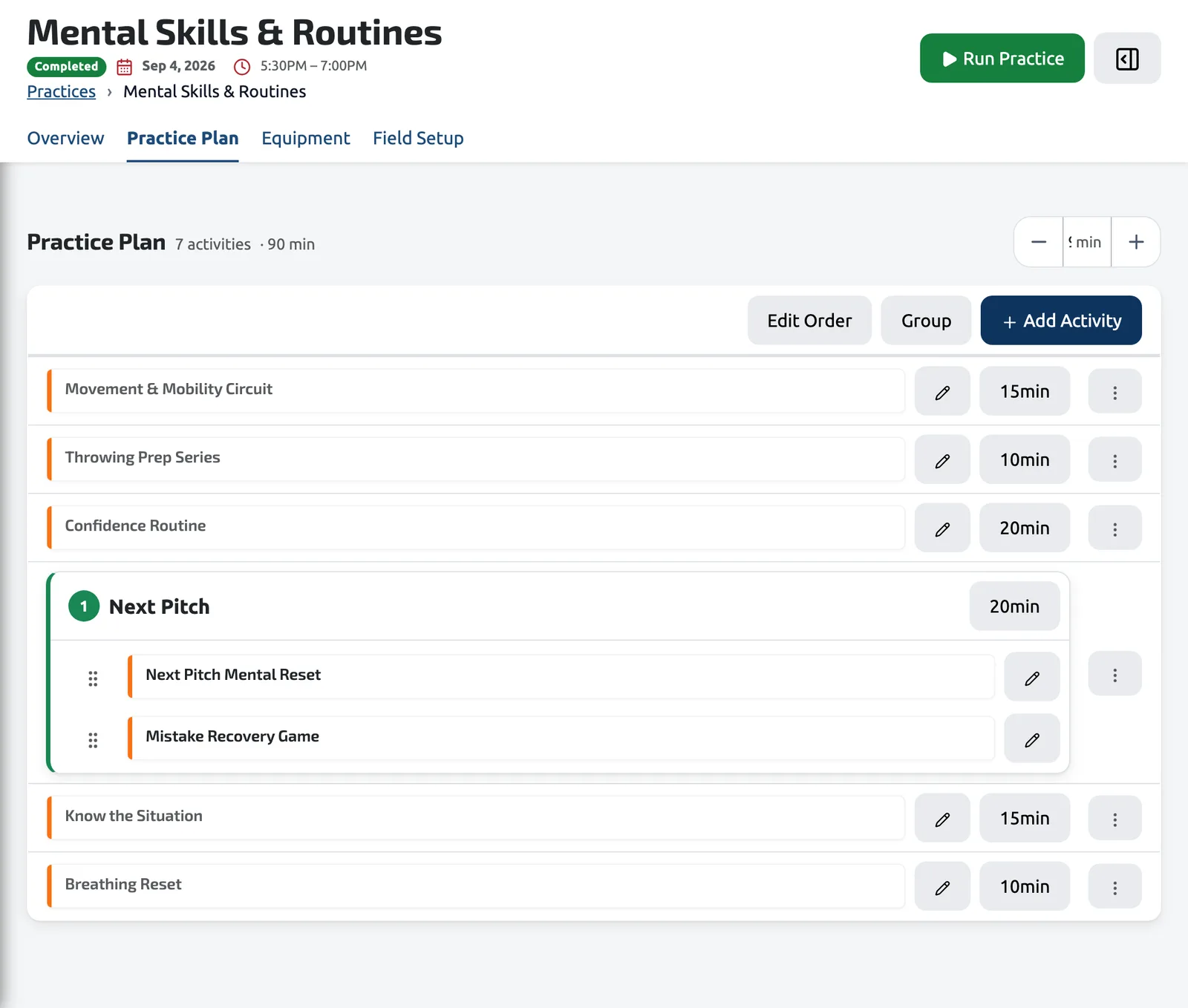
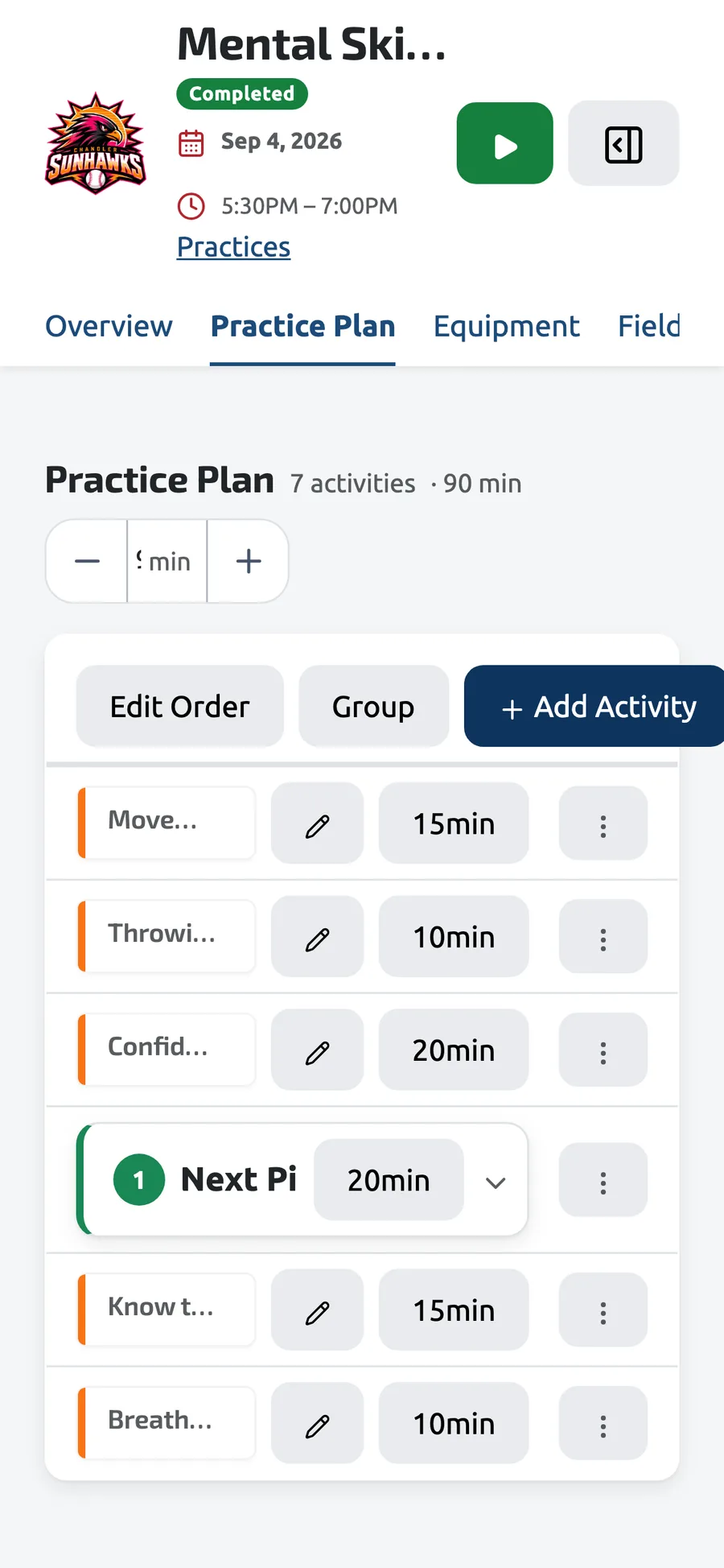
Arrange drills into timed stations and groups. Save the plan as a template for next time.
Run Practice
Practice Mode gives you a session clock, per-station timers, and the plan on your phone.
Track Progress
Log observations while they're fresh. The next practice starts with what you learned from the last one.
Your players tell you what practice should look like. Dugout Master helps you turn that into a plan.
Everything a Practice Needs
From the first idea to the last station, and the plan you'll reuse next week.
Drill Library
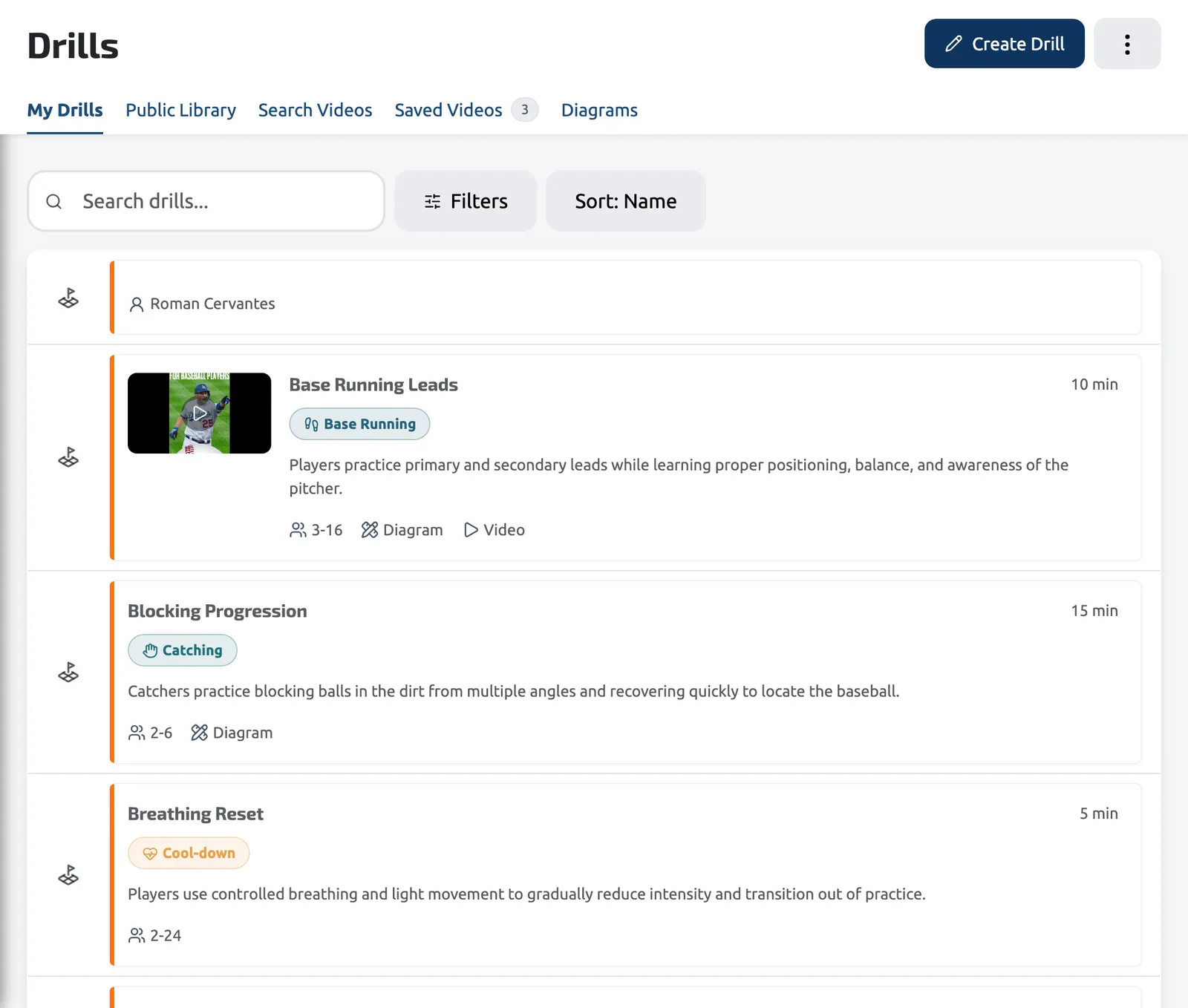
Your own drills plus a public library, all organized by the skill they build. Find a drill for the thing that needs work.
Stations & Groups
Split the team into groups and rotate them through timed stations, or run the whole team through one block at a time.
Practice Templates
Save a plan that worked and schedule it again. Recurring practices are one setup, not twelve.
Practice Mode
A session clock, per-station timers, and real-time progress — the plan runs itself so you can coach.
Equipment Checklists
Every drill lists what it needs. The practice rolls that up into one checklist you can print.
Drill Diagrams
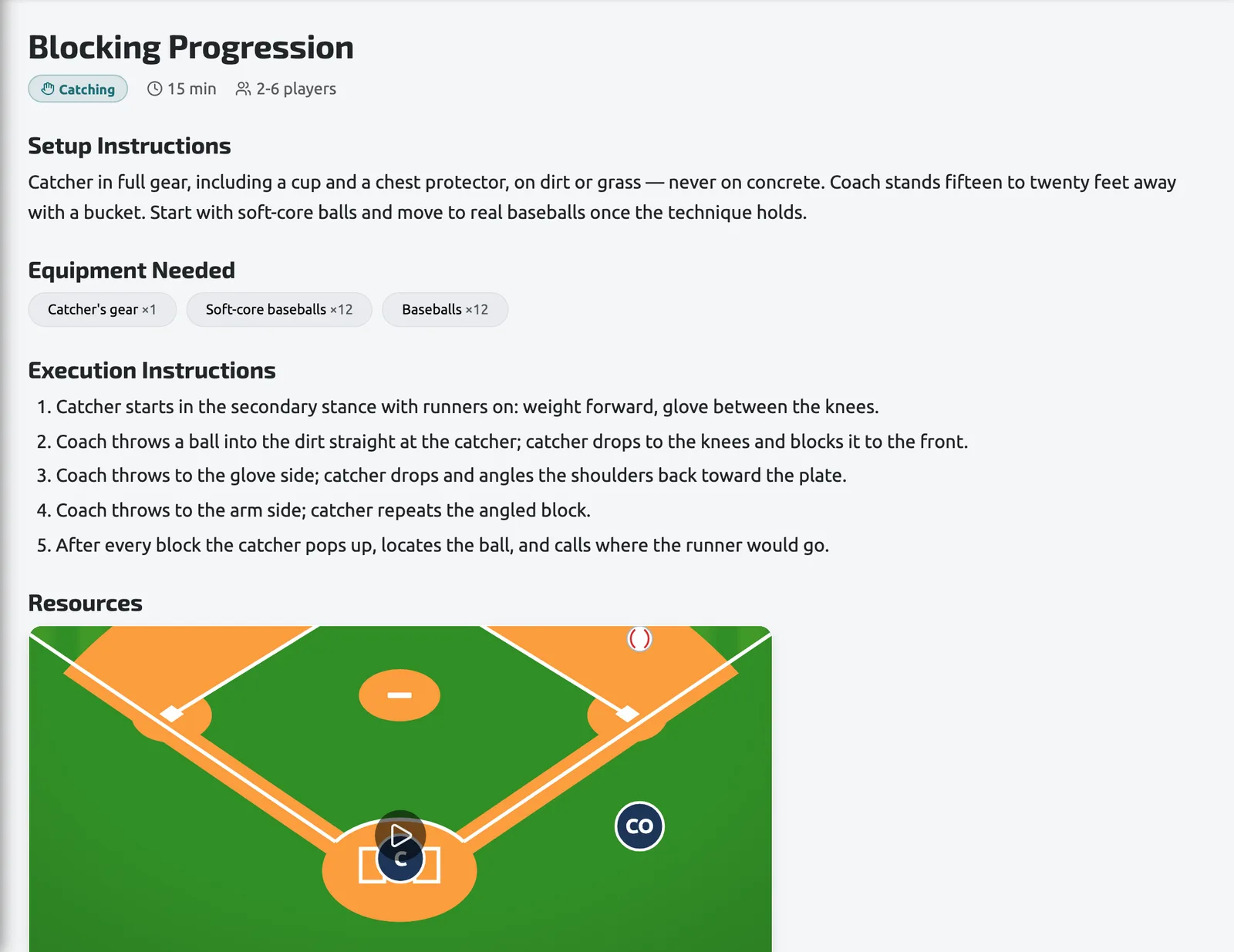
Draw the drill on a field diagram, step by step, so assistants and players see the setup before it starts.
AI Drill Generation
Short on ideas? Generate a drill tuned to the skill, age group, and equipment you have on hand.
Evaluations
Run an evaluation-type practice to re-score players mid-season, on the same criteria you used at tryouts.
Print-Ready Plans
Practice plans, diagrams, and equipment lists print cleanly for the assistant who prefers paper.
Scheduling practices, custom drills, Practice Mode, and AI drill generation are included with Pro and Elite plans. The public drill library is free for everyone.
Every Drill You Run, Written Down Once.
Setup, equipment, execution steps, a video, and a field diagram — each drill is a card your whole staff can pull into a station. Tag it by skill and it shows up when that skill needs work.
- Skill tags, duration, and group size
- Field diagrams drawn step by step
- A public library of shared drills
- AI-generated drills when you need an idea
Frequently asked questions
Evaluate. Develop. Practice. Play. Improve.
Ready to Build Better Practices?
Plan your next practice around what your players actually need, and run it from your phone at the field.
Get Started14-day Pro Trial · No credit card required